How it Works for Players
Get started with RPG Desk in minutes. Whether you're a Game Master or a Player, we've got everything you need to create and join amazing tabletop RPG campaigns.
For Players
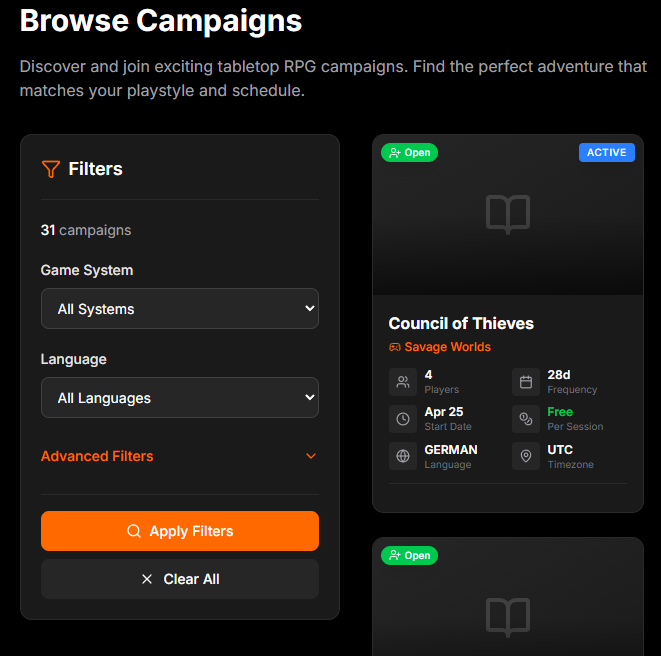
Finding Campaigns
Browse available campaigns from the "Browse Campaigns" page. You can:
- Filter by RPG system, language, and more
- View campaign details including description, player count, and upcoming sessions
- Click "Join Campaign" to apply
How to join a campaign
Once you find a campaign you like, you can apply to join. The Game Master will review your request.
- Open the campaign page and click "Join This Adventure"
- Optionally add a message to the Game Master (e.g. about your character or experience)
- Send your request; the GM will be notified and can approve or reject it
- Once approved, you can join sessions, use the chat, and see the full campaign
Joining Sessions
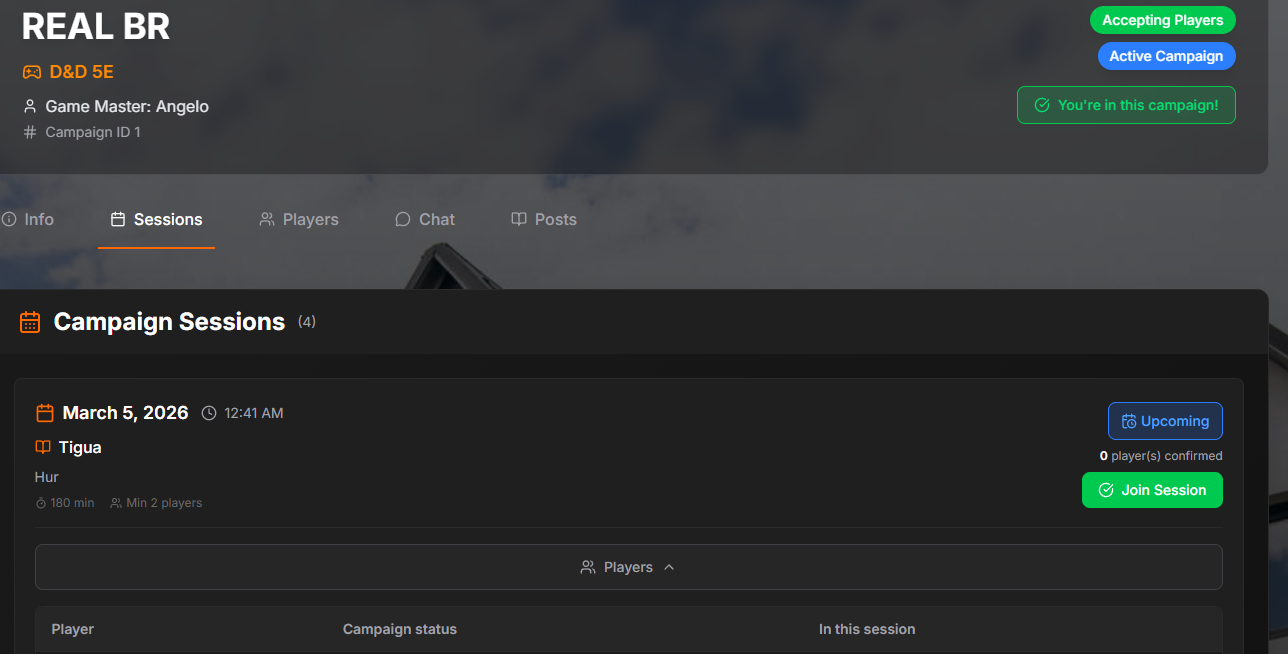
Once approved in a campaign, you can join scheduled sessions:
- View all upcoming sessions in the Sessions tab
- Click "Join Session" to confirm your attendance
- See who else has confirmed attendance
- All times display in your local timezone
Session Confirmations & Notifications
RPG Desk automatically manages session confirmations:
- When enough players confirm (reaching minimum players), all approved players receive a confirmation email with session details and a calendar link
- If confirmed players drop below minimum, cancellation emails are sent to all participants
- All session times in emails are converted to your timezone automatically
Chat & Communication
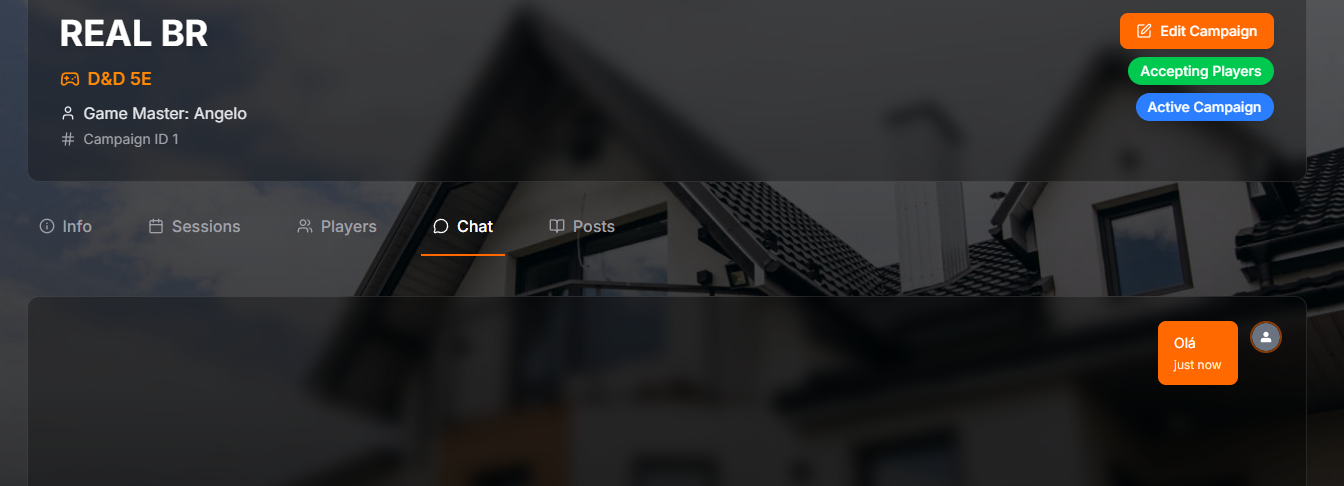
Each campaign has its own chat room where approved players and the GM can communicate:
- Real-time messaging with other campaign members
- Delete your own messages anytime
- Only approved players can participate in chat
For Players
- Confirm your attendance for sessions as soon as possible
- If you need to leave, do so early to avoid session cancellations
- Use the "Add to Google Calendar" link in confirmation emails
- Keep your profile updated to help GMs learn about you